
Most people who take something every day are keeping two records at once. There is the one their prescriber sees — a list of names and strengths in a chart. And there is the real one: whether you actually took it on Thursday, whether you have been sleeping worse since the dose moved, whether the number on the scale has done anything at all.
The second record is the one that gets lost. It lives in a notes app, a pill organiser, and memory, and by the time you are sitting in an appointment trying to answer "how has it been going?", most of it is gone.
Lumara is built for that second record. It is a tracking and education tool — not a medical device, and not a source of advice — and everything in it exists to make an honest history you and your provider can look at together.
Lumara is free to download on iPhone and Android. There is a seven-day trial inside the app and no card is needed to start.
Logging a dose takes two taps
The home screen answers one question: what do I take today? Everything you are on, in the order it is due, with what you have already logged marked off.

Taking something is two taps. Missing something is one — and Lumara records a skipped dose as carefully as a taken one, because a history that only contains the good days is not a history.
It works with anything you take. Prescriptions, GLP-1s, peptides, testosterone and estradiol, thyroid medication, supplements, vitamins. Oral, injectable, patch, topical. There is no separate app for the interesting half of your regimen.
Reminders that actually arrive
Dose reminders are scheduled on your phone, not sent from a server. They fire at the time you set whether or not you have signal, on a plane, in a basement, abroad.
Refill reminders arrive while there is still time to reorder rather than on the morning you run out. Expiry and lab reminders work the same way.
And they travel. Add a trip with its destination and dates, and your daily reminders follow local time there — while weekly injectables keep their original interval, because a flight is not a reason to change the spacing of a weekly dose.
Ten seconds a day is what makes a trend
The daily check-in asks how your energy, mood and sleep were on a simple scale, and lets you tag any symptoms. Weight gets its own log with its own reminder.
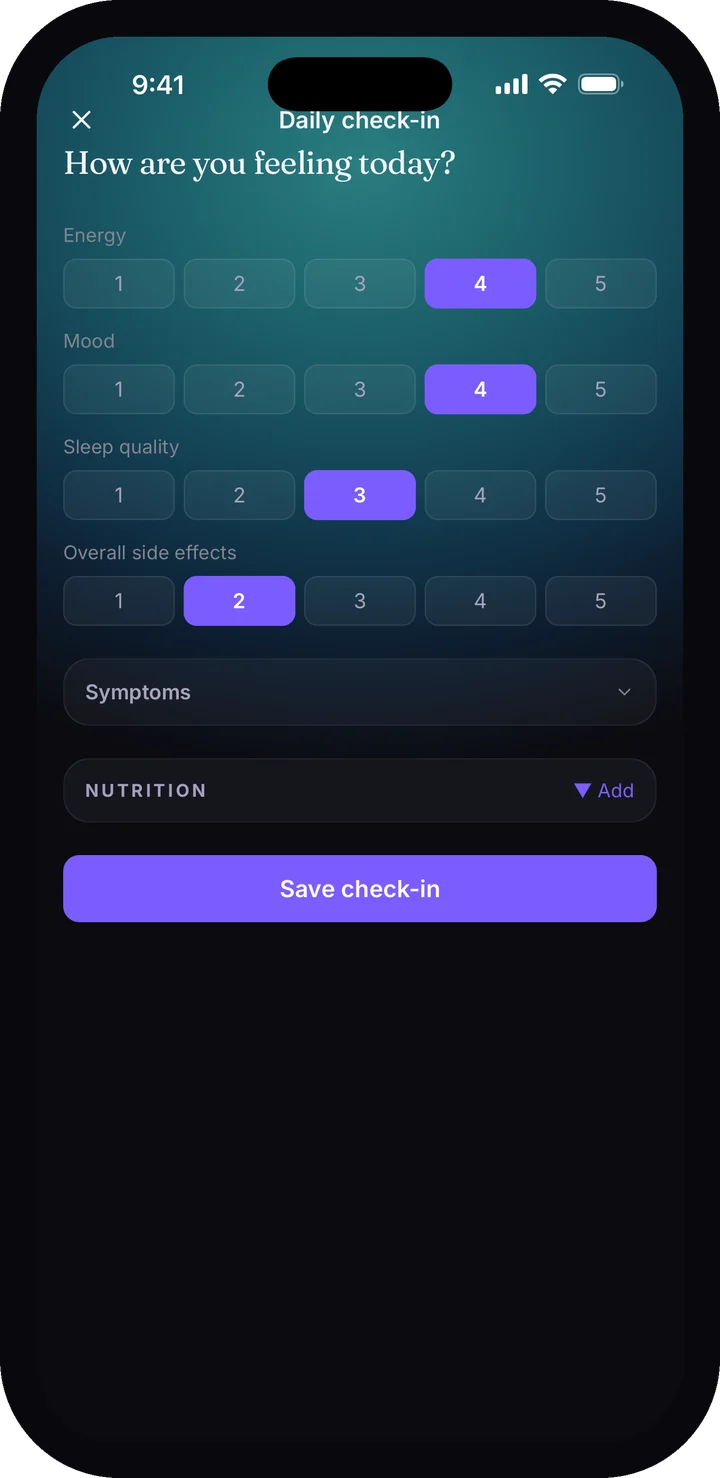
None of that is interesting on any single day. Over eight weeks it is the most useful thing in the app, because it turns "I think I have been more tired lately" into something with a shape.
Your watch already knows some of this
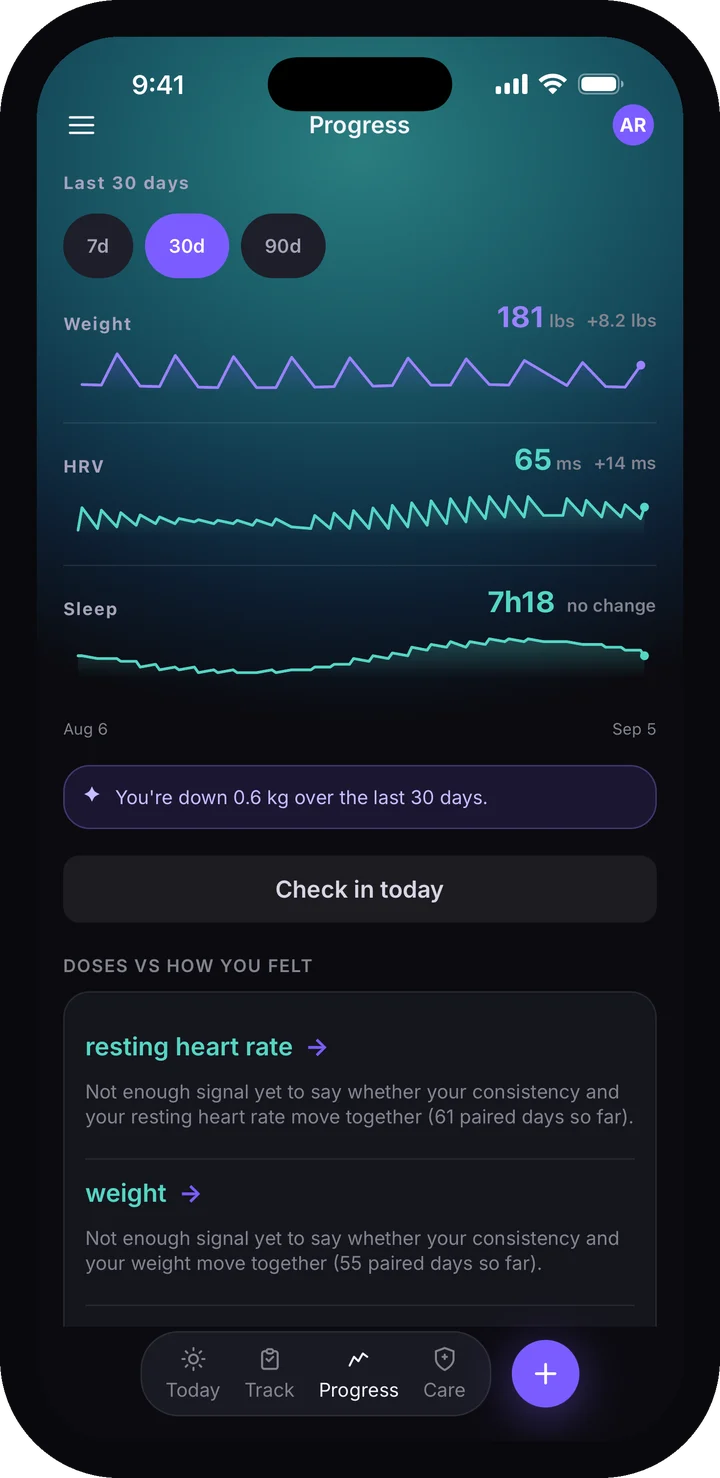
Connect Apple Health or Health Connect once, and Lumara reads what your phone, watch or scale is already recording — HRV, resting heart rate, sleep, steps and weight.
It is read-only. Lumara does not write anything back to your health record.
Those charts then sit alongside your dose history over the same weeks, which is the whole point: you can see what you took and what your body did on one timeline, instead of in two apps that never meet.
What Lumara will and will not tell you
Progress shows adherence day by day and medicine by medicine, with your weight, check-ins and biometrics across the same period.
In Premium it goes further and reports observations — that your sleep has averaged higher on the nights after a dose, for instance, with the number of days behind that comparison so you can judge how much to make of it.
It reports what the data shows. It will not tell you what to take, or suggest a change to anything. That line is deliberate and it does not move: decisions about your regimen belong to you and the person who prescribed it.
For injectables
If you inject, Lumara keeps track of the parts that are easy to lose.
The vial vault (Premium) tracks what you have: doses left, days of supply, beyond-use dates, and a warning when a vial is due to expire before you finish it, which is the one case where reordering is not the answer.

The injection-site map remembers where you have been so you can rotate without keeping a mental list.
Labs and appointments
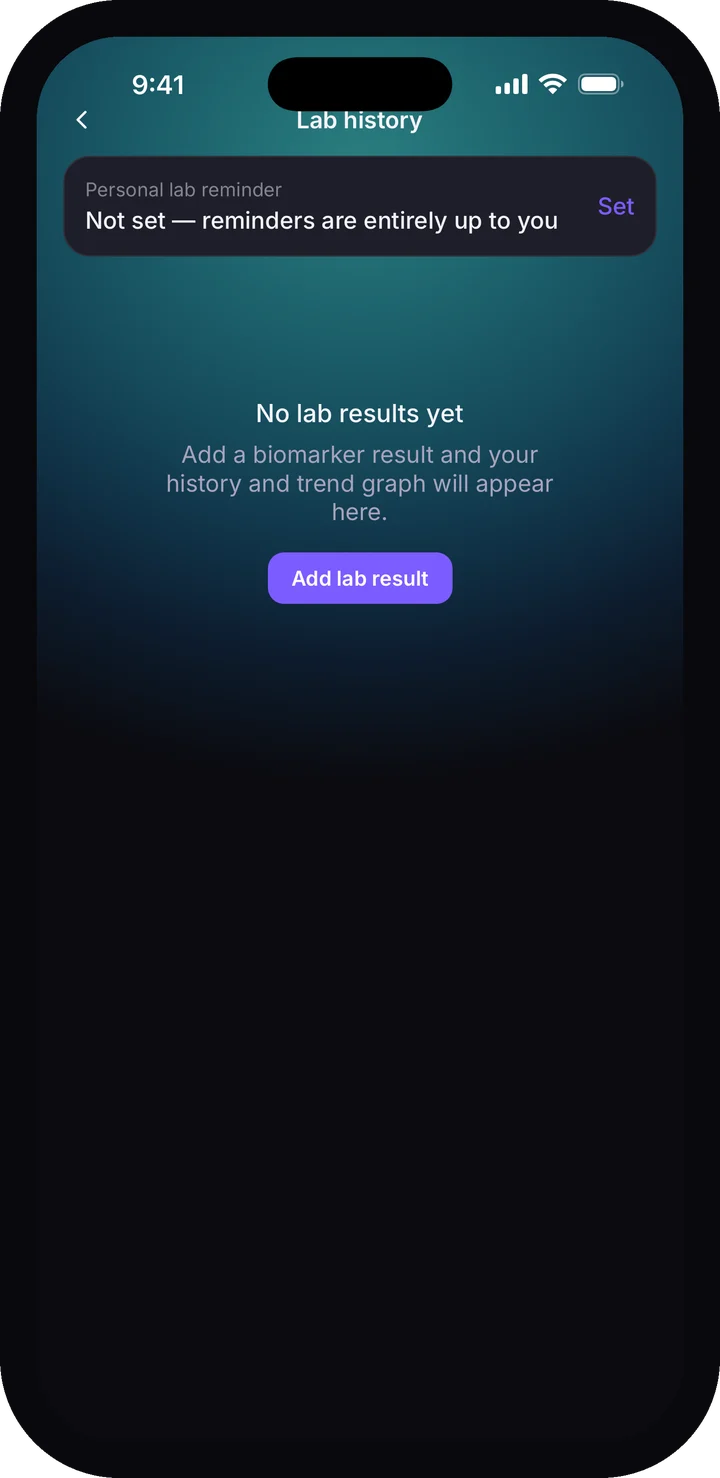
Enter a marker, its value and the draw date, and Lumara charts it against the reference range and keeps it. You can set your own reminder for the next draw.
Before an appointment, Lumara writes up the month for you — what you are on, how much of it you actually took, your weight trend and the symptoms you reported most. You can read it, take it in with you, or share it with your prescriber in a tap.
If your clinic uses Lumara
Enter their join code and the protocol they prescribe arrives in your app, already set up, with reminders attached. Messages and protocol updates from them land in the same place.
You start that connection, and you can end it. A clinic connection is something you grant, not something done to your account.
Private by default
What you log syncs to your Lumara account, encrypted in transit and at rest, and the copy on your phone is encrypted too. No other patient can see it, and a clinic can see it only after you connect to that clinic. The app locks with Face ID or a fingerprint by default, with your passcode as a fallback, and the app-switcher preview is hidden so a glance at your phone does not show your medication list.
There are no ads. We do not sell your data. You can export everything, and you can delete your account.
Plans
If your clinic invites you, Connected is free: their protocol, dose logging, reminders, wearable sync and the injection-site map, plus one medication of your own, at no cost to you.
On your own, Lumara is free for good: dose, weight and side-effect logging, one medication at a time, the basic levels curve and charts for the last 30 days, wearable sync, and connecting to any clinic. Premium adds unlimited medications, charts and trends beyond 30 days, lab tracking, reports, the vial vault, cloud backup and the observational insights. It starts with a seven-day trial in the app, with no card. Current prices are on the pricing page.
Get the app
Download Lumara from the App Store or Google Play, add the first thing you take, and log one dose. That is the whole onboarding. The trends arrive on their own once there is something to draw.
Track what goes in. See what comes out.